/start-learning
v1.0.0Asks about your goals and time, runs the placement quiz, and writes a study plan the other skills follow.
- Say
start learning
set up the course
- Writes
- LEARNING.md
FIG_SKL · Skills for your coding agent
A skill is a short instruction file. Your agent reads it when your request matches the skill, then follows its steps. These 15 skills teach the course, test your level, and make figures and manuals.
npx skills add rohitg00/ai-engineering-from-scratchOne skill: add --skill <name>. List them first: add --list. Works with Claude, Cursor, Codex, OpenClaw, Hermes, or any agent that reads SKILL.md.
Use these once, on your first day with the course.
/start-learningAsks about your goals and time, runs the placement quiz, and writes a study plan the other skills follow.
start learning
set up the course
/find-your-levelA short adaptive quiz that tells you which phase to start in and which lessons you can skip.
find my level
where should I start
/course-guideGive it a topic, a question, or an error. It names the lessons that teach it and the next command to run.
which lesson covers RAG
I am stuck on attention
Use these every session. They read and update your plan.
/learnTeaches your next lesson section by section in the terminal, asks questions, and records what you finished.
/learn
teach me the next lesson
/check-understandingQuizzes you on a phase and tells you which lessons to read again before you move on.
quiz me on phase 3
check my understanding
/build-projectGuides one stage of a course project per session. It gives hints only. You write the code and run the stage grader.
build a project
continue my project
Use these to study one topic lesson by lesson.
/learn-mcpOne lesson at a time through the Model Context Protocol path: clients, servers, transports, security, gateways, and conformance.
teach me MCP
continue the MCP path
/learn-agent-skillsOne lesson at a time through the Agent Skills path: write, find, run, secure, test, package, and port skills.
teach me agent skills
continue the skills path
Use these to prepare for an exam with lessons, labs, and timed practice.
/claude-certificationTutor for the four independent Claude certification tracks: choose a track, learn lesson by lesson, run labs, and take practice exams.
prepare for the Claude certification
resume my certification
/mcpa-certificationTutor for the Model Context Protocol Associate exam: lessons, practical labs, and practice questions with feedback.
prepare for MCPA
MCPA practice exam
Use these to make figures and manuals that match this site.
/course-styleColours for light and dark, fonts, figure labels, and the plain technical English rules. The other skills in this group read it.
use the course style
check this text for plain English
/blueprint-figureStatic SVG figures for lessons, READMEs, and manuals. It has nine figure kinds, colour rules, and checks for label size and overlap.
draw a figure of the request path
make FIG_012 for this lesson
/motion-figureAnimated and interactive figures: SVG animations, slider widgets, figures with controls and a computed result, and dither bands like the one at the top of this page.
animate this concept
show how this system works
Pick a request. The agent always holds every skill's name and description. It reads a full SKILL.md, then the references it names, only when a request matches.
Context used
/isometric-explainerAn interactive isometric machine that shows a process step by step. A tested state model drives it. Controls let you break a part and see what fails.
explain how a cache evicts entries as a machine
make an isometric explainer for this lesson
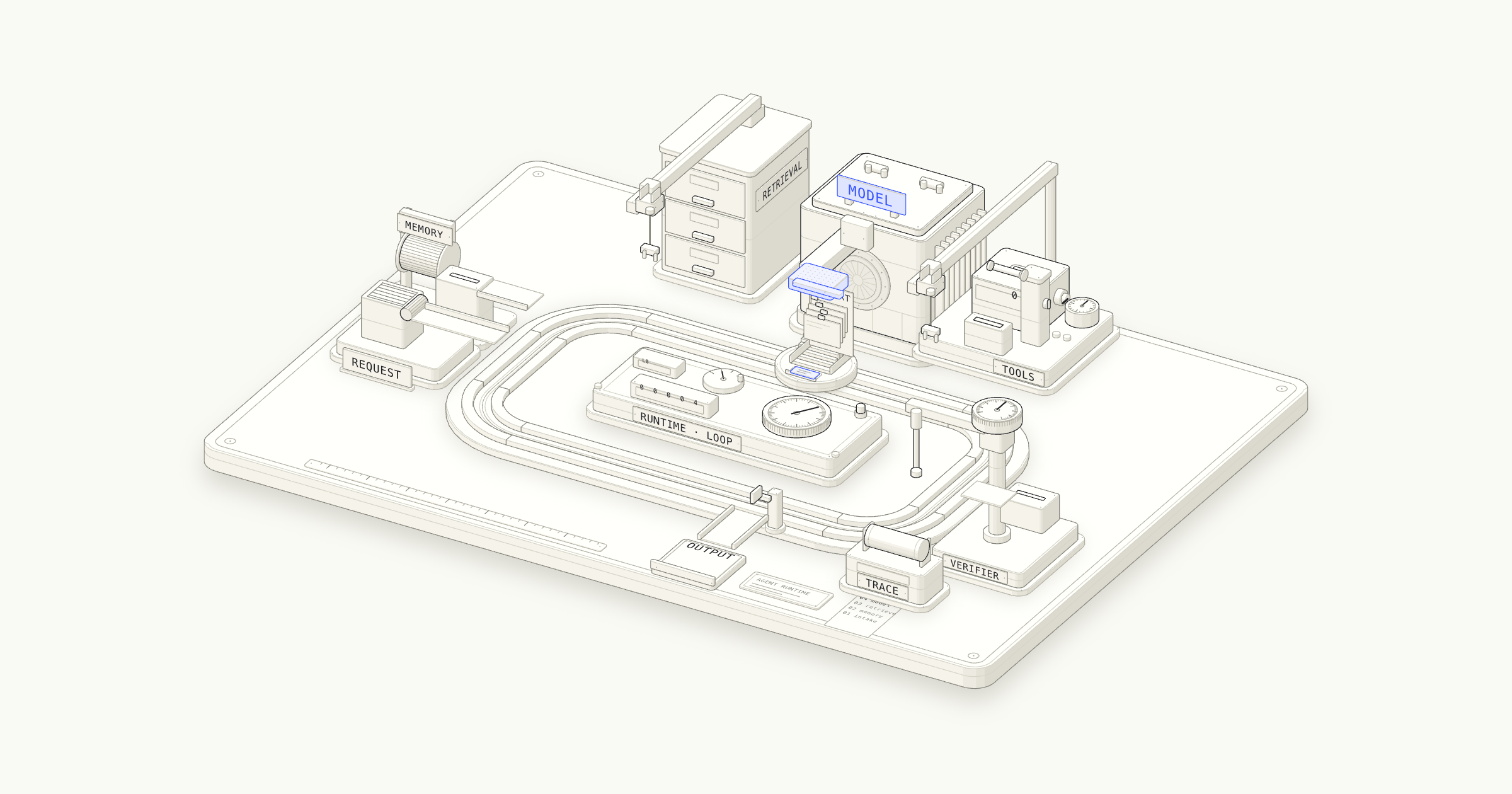
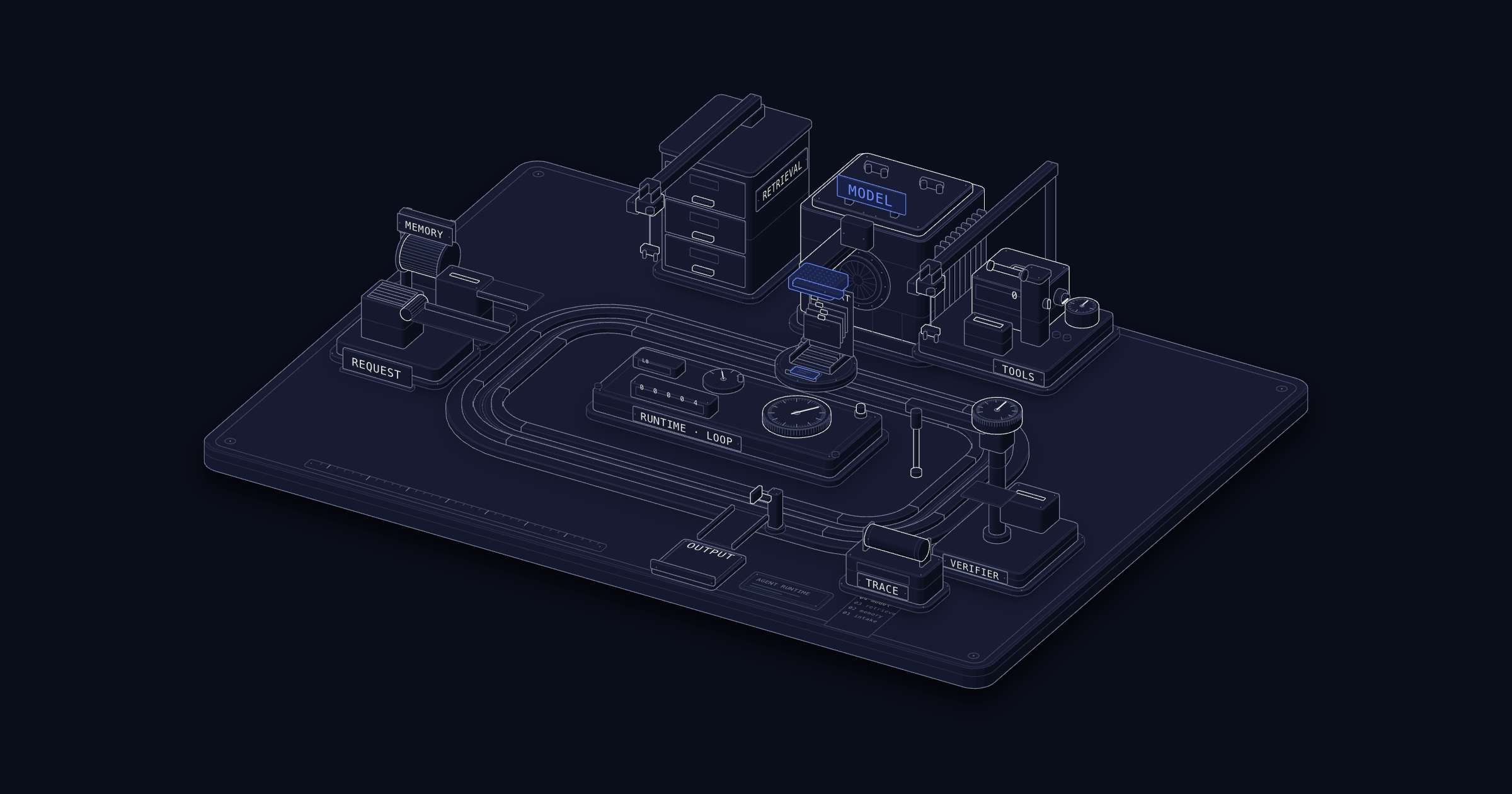 Made with it: Inside an AI Agent →
/write-manualA long manual about one tool at one pinned version, with sources, a table of contents, offline captures of every listing, figures, and an audit.
write a manual for this tool
start a 101 manual
Many lessons end with a skill or prompt file. You can install them by phase or by tag.
395 skills and 100 prompts live next to the lessons that teach them, under phases/**/outputs/. Clone the repo, then copy the ones you want into your agent's skills folder.
python3 scripts/install_skills.py ~/.claude/skills --phase 14
python3 scripts/install_skills.py ~/.cursor/skills --tag rag
python3 scripts/install_skills.py .skills --type all --dry-runTell the skill what the reader must understand and where the figure goes: a lesson, a README, a manual, or a standalone page. Give real numbers when you have them. The figure then computes its result from those numbers.
Example: Make a figure for the skills lesson that shows how an agent loads a skill. Use the real file sizes.
How agents find and load skills
Read the lesson All skills on GitHub ↗